
Getting Started

1

Subscribe to Coding Plan

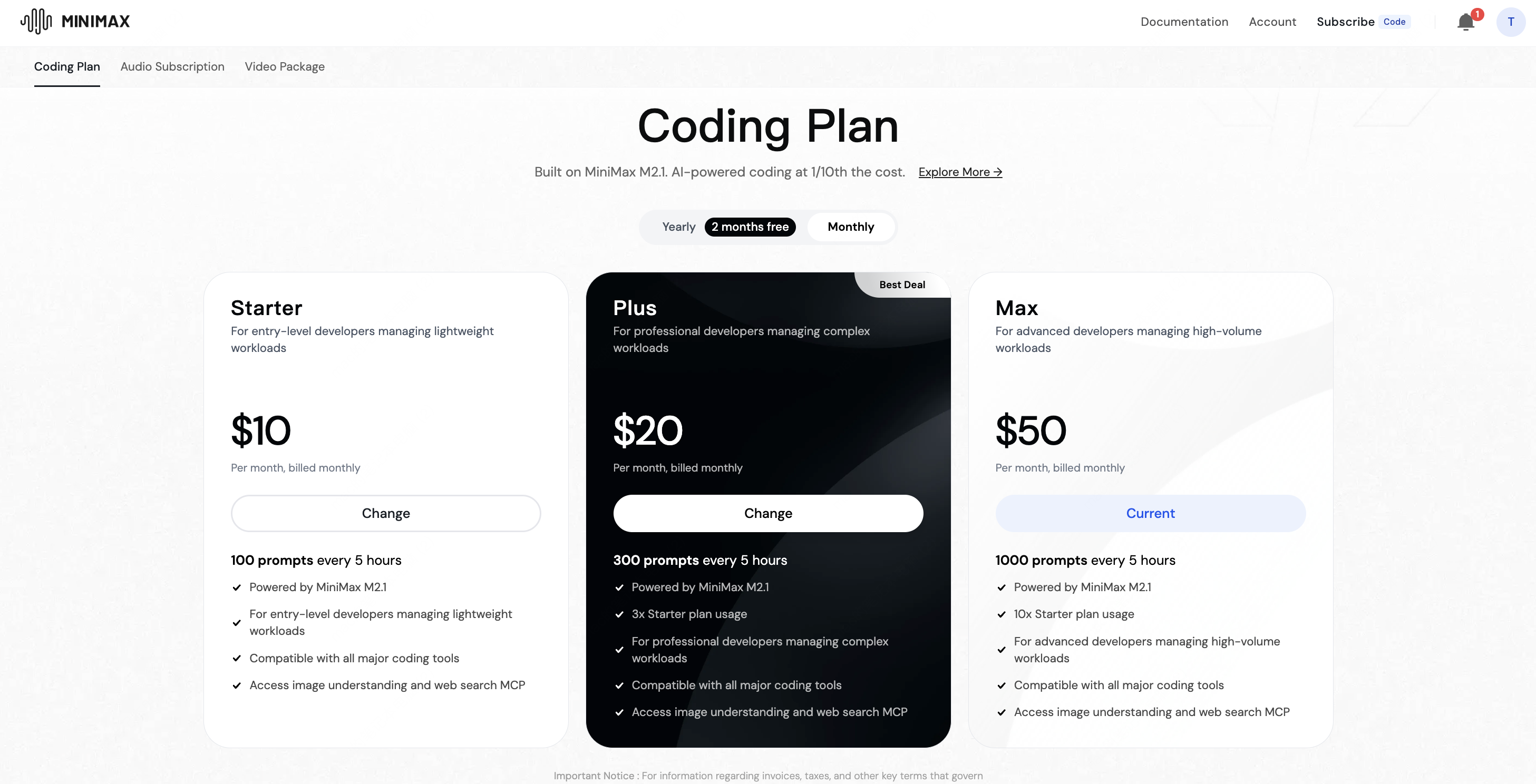
Visit the Coding Plan Subscription page, choose the plan (Starter, Plus, Max) that best suits your needs , and complete the subscription process. Coding Plan
2

Get API Key

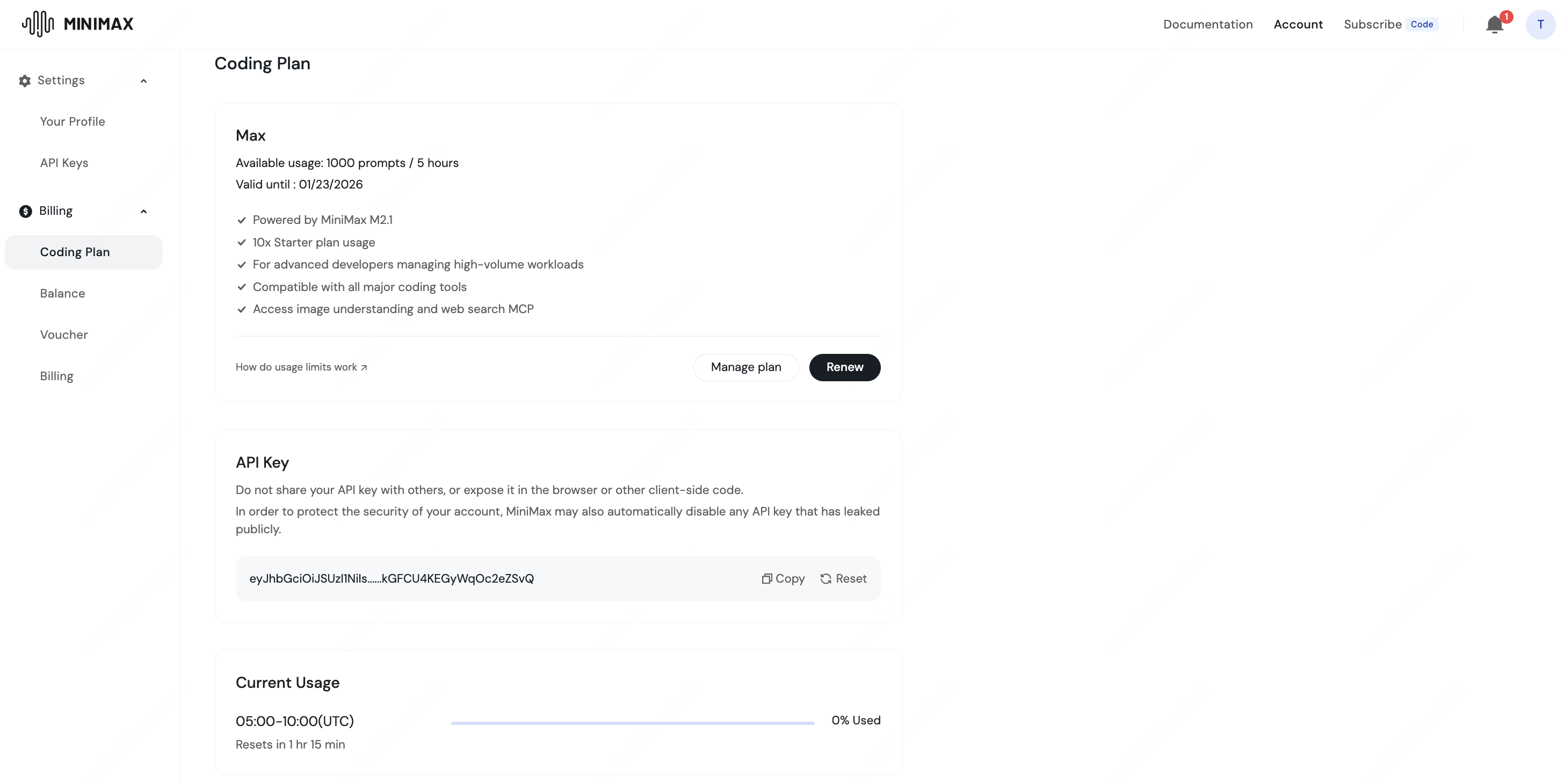
Visit API Keys > Create Coding Plan Key to get your API Key
Important Notes:
  • This API Key is exclusive to Coding Plan and only supports text models. It is not interchangeable with pay-as-you-go API Keys.
  • This API Key is only valid during the active period of your Coding Plan subscription.
  • Please protect your API Key. We recommend exporting it as an environment variable or saving it to a config file.
apikey
3

Test API Call (Optional)

Quickly test MiniMax M2.1 via Compatible Anthropic API1. Install Anthropic SDK
pip install anthropic
2. Configure Environment Variables
export ANTHROPIC_BASE_URL=https://api.minimax.io/anthropic
export ANTHROPIC_API_KEY=${YOUR_API_KEY}
3. Call API
Python
import anthropic

client = anthropic.Anthropic()

message = client.messages.create(
    model="MiniMax-M2.1",
    max_tokens=1000,
    system="You are a helpful assistant.",
    messages=[
        {
            "role": "user",
            "content": [
                {
                    "type": "text",
                    "text": "Hi, how are you?"
                }
            ]
        }
    ]
)

for block in message.content:
    if block.type == "thinking":
        print(f"Thinking:\n{block.thinking}\n")
    elif block.type == "text":
        print(f"Text:\n{block.text}\n")
4

Integrate with AI Coding Tools

Choose your preferred AI coding tool from the options below to experience the latest MiniMax M2.1 model capabilities

MCP Integration

Quickly integrate Coding Plan MCP for Image Understanding and Web Search capabilities

MCP Guide

Learn how to configure and use Coding Plan MCP

Best Practices

Quickly view MiniMax M2.1 usage tips and practical examples