

Install Claude Code
Refer to the Claude Code documentation for installation.Configure MiniMax API
- Edit or create the Claude Code configuration file located at
~/.claude/settings.json. In this file, add or update theenvfield as shown below.
- The
ANTHROPIC_BASE_URLshould be set based on your location: for international users, usehttps://api.minimax.io/anthropic; for users in China, usehttps://api.minimaxi.com/anthropic. - Set
<MINIMAX_API_KEY>to the API key obtained from the MiniMax Developer Platform (For users in China, visit MiniMax Developer Platform). - Note: Environment variables
ANTHROPIC_AUTH_TOKENandANTHROPIC_BASE_URLtake priority oversettings.jsonconfiguration.
- After completing the configuration, navigate to your working directory and run the
claudecommand in the terminal to start using Claude Code. After startup, select Trust This Folder to allow it to access the files in your folder as shown below:
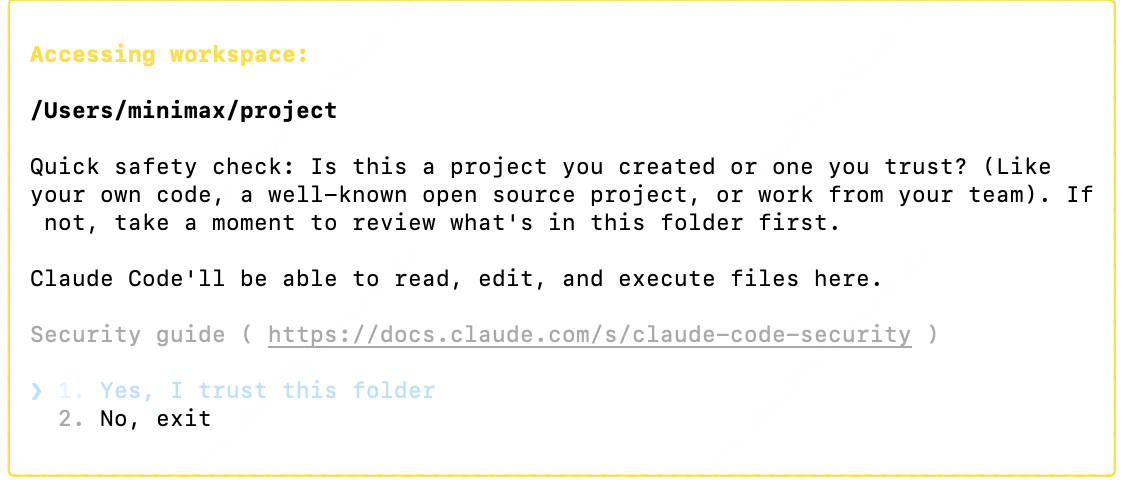
- You can now start using Claude Code for development.
Use M2.1 in Claude Code Extension for VS Code
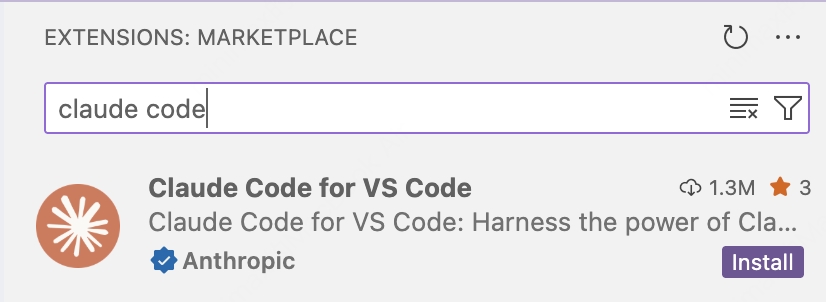
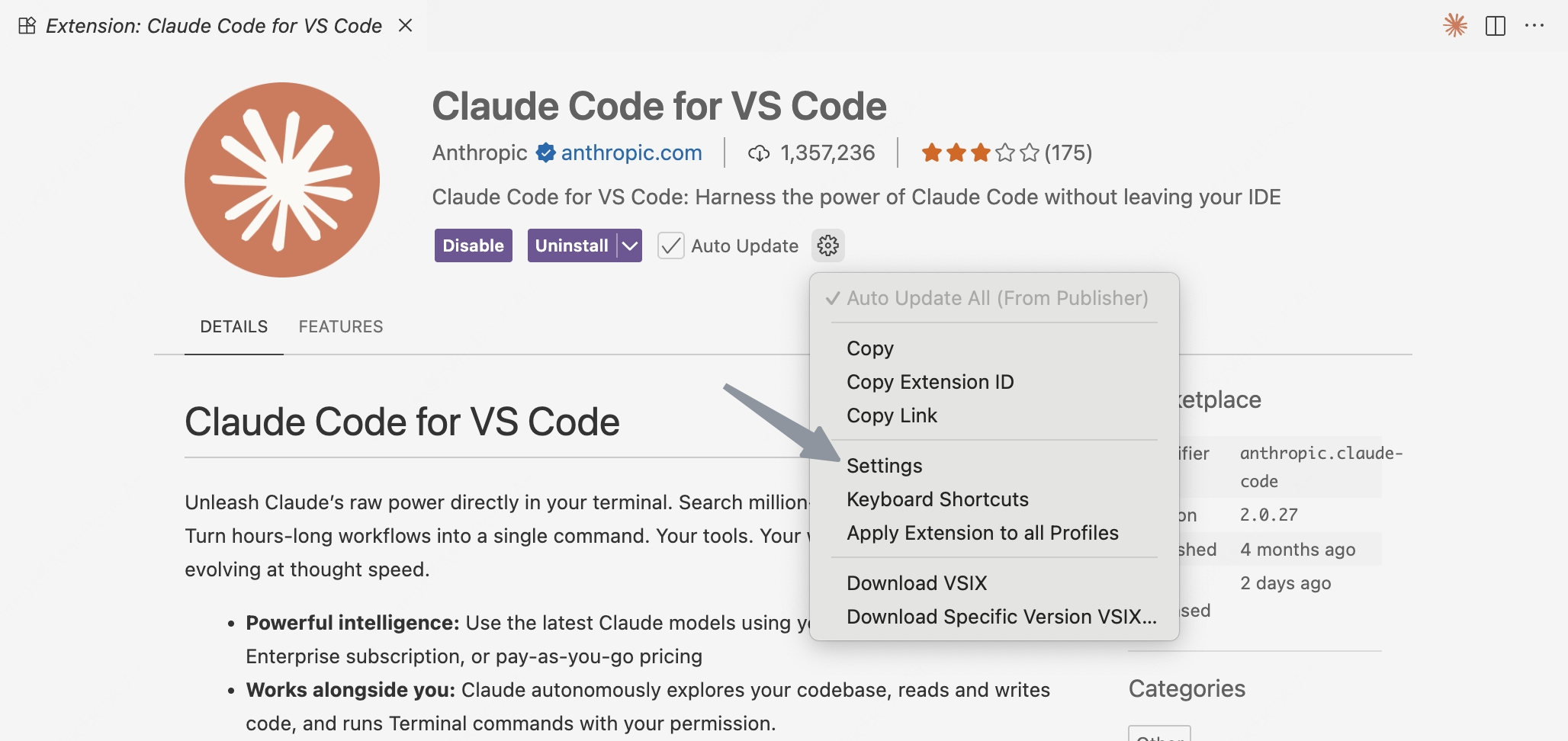
Configure Model
Configure the model to 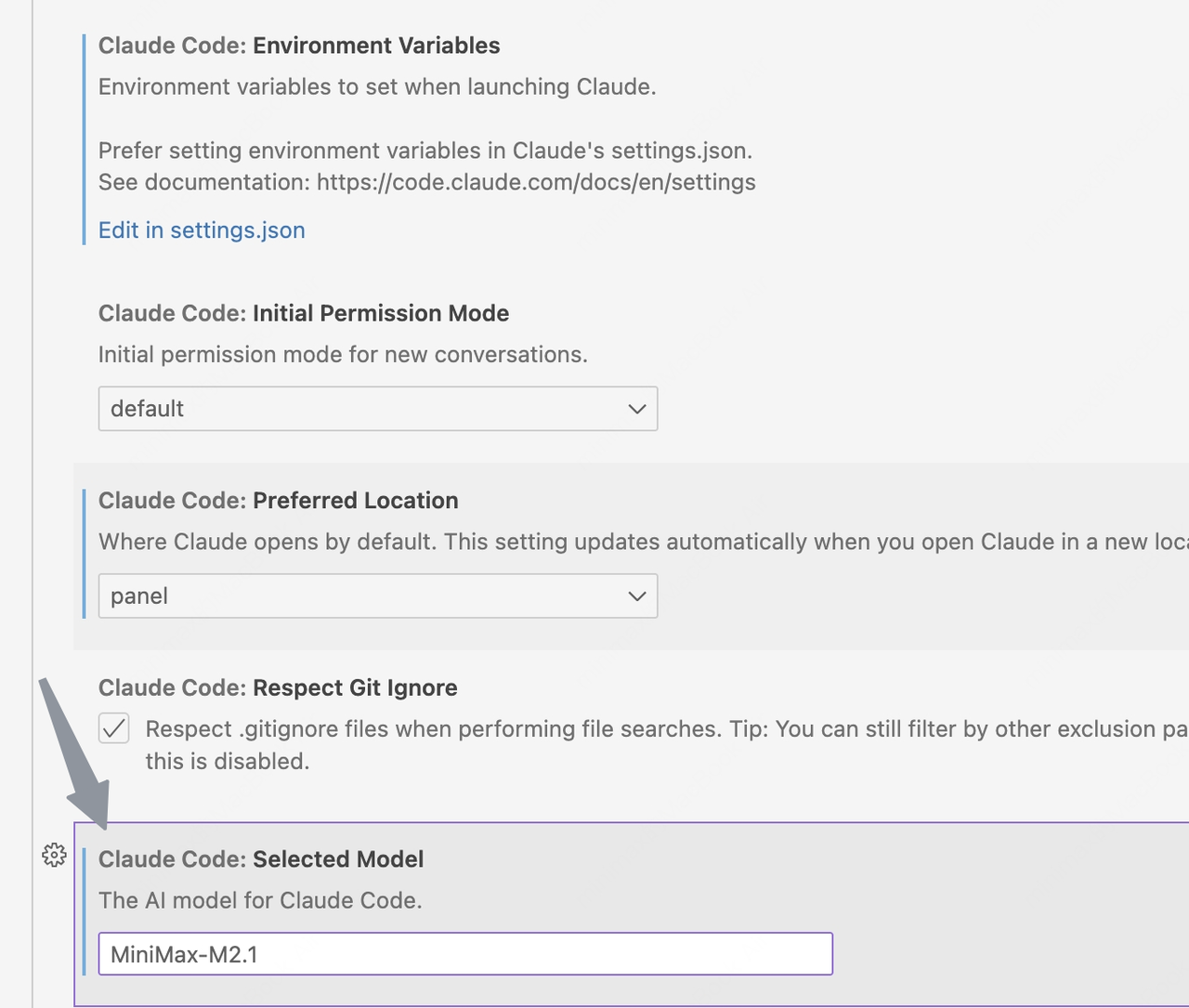 Or
Or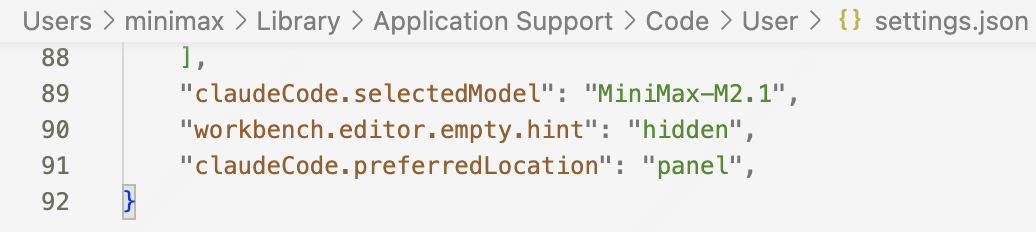
MiniMax-M2.1- In Settings →
Claude Code: Selected Model, enterMiniMax-M2.1
Or- Click
Edit in settings.json, modifyclaude-code.selectedModeltoMiniMax-M2.1in the configuration file.
Configure Environment Variables
- If Claude Code is already installed, please refer to the configuration above for environment variable settings.
- If Claude Code is not installed, click
Edit in settings.json
Modify claudeCode.environmentVariables to following settings:- The
ANTHROPIC_BASE_URLvalue should be set based on your location: for international users, usehttps://api.minimax.io/anthropic; for users in China, usehttps://api.minimaxi.com/anthropic