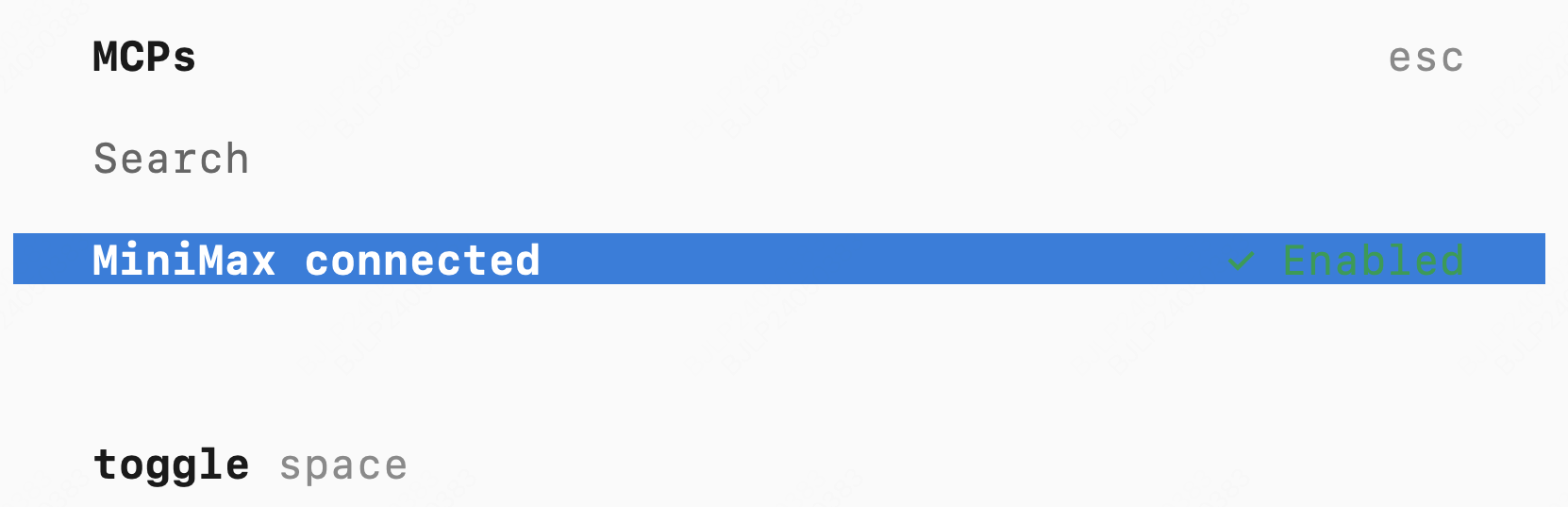
Tool Description
web_search
web_search
Performs web searches based on search queries, returning search results and related suggestions.
| Parameter | Type | Required | Description |
|---|---|---|---|
| query | string | ✓ | Search query |
understand_image
understand_image
Performs image understanding and analysis, supporting multiple image input methods.
Supported formats: JPEG, PNG, GIF, WebP (max 20MB)
| Parameter | Type | Required | Description |
|---|---|---|---|
| prompt | string | ✓ | Question or analysis request for the image |
| image_url | string | ✓ | Image source, supports HTTP/HTTPS URL or local file path |
Prerequisites
Get API Key
Visit Coding Plan subscription page, subscribe to a plan and get your exclusive API Key.
Install uvx
- macOS / Linux
- Windows
For other installation methods, refer to the uv repository.
Use in Claude Code
Download Claude Code
Download and install Claude Code from Claude Code official website
Configure MCP
- Quick Install
- Manual Configuration
Run the following command in terminal, replace
api_key with your API Key: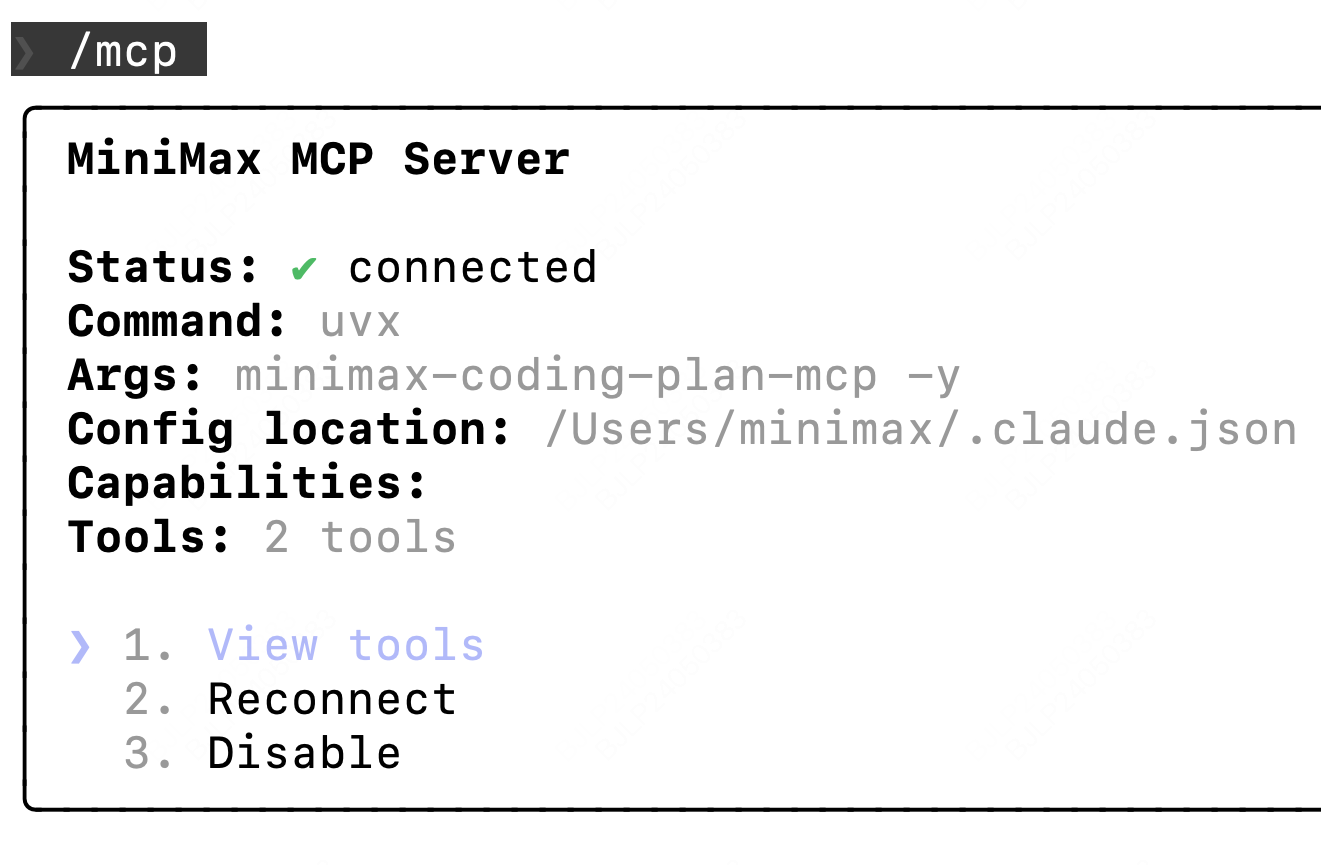
If you use MCP in an IDE (like TRAE), you also need to configure MCP in the corresponding IDE settings
Use in Cursor
Download Cursor
Download and install Cursor from Cursor official website
Open MCP Configuration
Go to 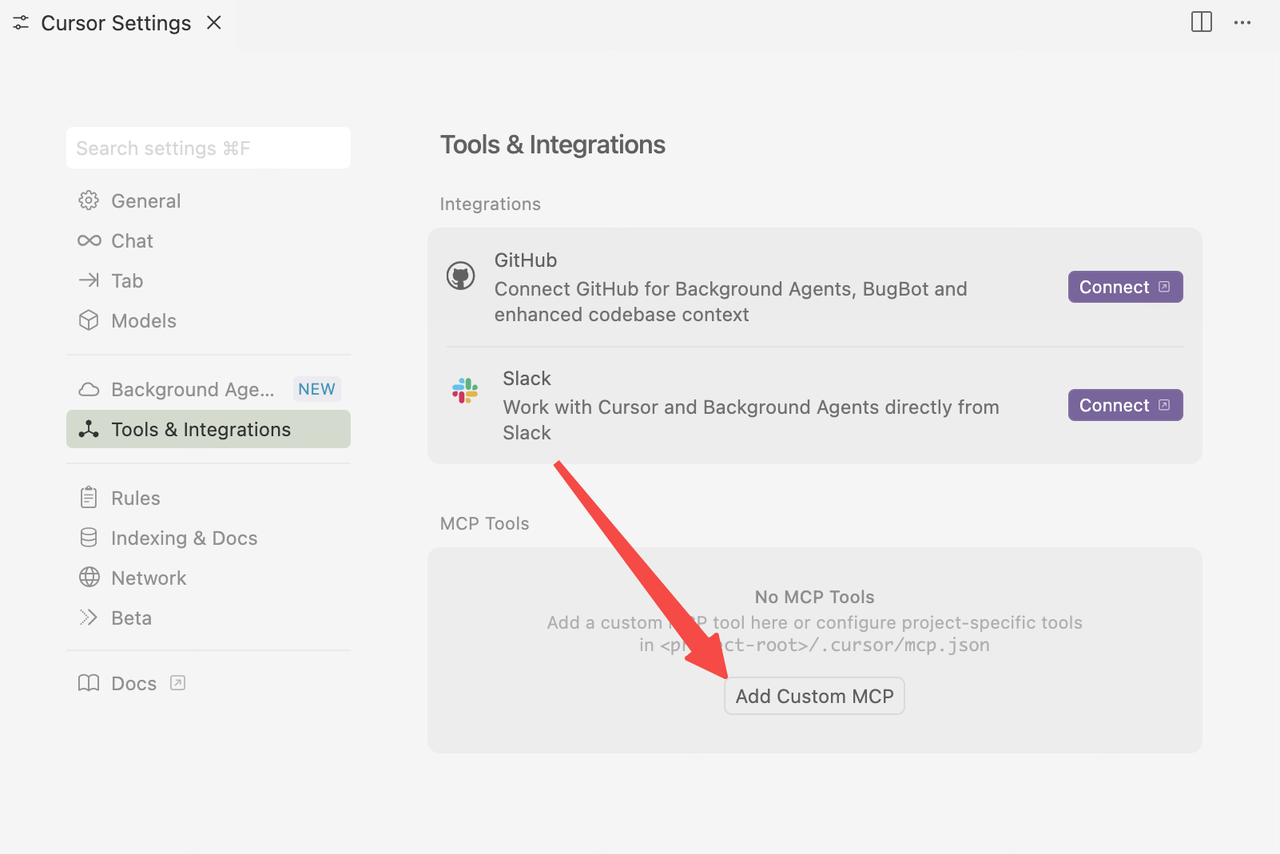
Cursor -> Preferences -> Cursor Settings -> Tools & Integrations -> MCP -> Add Custom MCPUse in OpenCode
Download OpenCode
Download and install OpenCode from OpenCode official website
Configure MCP
Edit the config file
~/.config/opencode/opencode.json, add the following MCP configuration: